

EDUCATION | COLLEGE | CAMPUS COMPUTING | WORDWEAVERDESIGN.COM
Summer learning builds organization and time management skills with support
Parents and family members use high school graduation as a launching point for building a shopping list of college necessities. A pricey purchase families might want to postpone are the selection of a laptop, monitor, iPad, and other tech perks until students arrive on campus and get settled into classes.
Why should a family wait to purchase a laptop computer after college classes begin?
Depending on a student’s major, a student’s computing needs and perspectives can change once they begin classes and extracurricular activities. The best source information for tech purchasesand support are veteran students and faculty members. An incoming student quickly discovers that once on campus, carrying around their school-related needs in a backpack must align with how the student manages a schedule and class commute. Initially, it might seem like a good idea to pack an 8-pound gaming laptop and an iPad for notes in a backpack, along with a DIY desktop computer in a residence hall room. But students quickly learn efficiency is essential when living away from home. Traveling light when it comes to technology is the way to go.
This is the headline
Example of what not to bring to campus. The Lenovo Legion Pro weighs more than five pounds. The gaming laptop is a load to haul around in a backpack. Students can easily walk 4 to 5 miles per day between residence halls, dining facilities, rec centers, and academic buildings at larger universities.
This is the headline
Consider asking family members if they have an extra backup laptop that the student can bring to campus initially. Or buy a used version on Facebook Marketplace with the intention of eventually designating it as a backup device. The short-term computer option allows the student flexibility because it enables the newcomer to campus not to rush into purchasing a computer that he or she might later regret buying. Adapting the wait-and-see strategy is about avoiding a $2,000 worth of buyer’s remorse. Ideally, the used laptop also serves as a backup device if an issue arises with the newly purchased device.
This is the headline on this page
Visit the university computing page and departmental-specific pages and educate yourself on the university and major specific has computer recommendations and requirements. Will the university issue Microsoft Drive accounts for student access? What are the recommended computers suggested by the university, specific to a student’s major? Finally, encourage the student to connect on LinkedIn with older students with similar majors and ask for real-life and relevant recommendations.
Will the university issue a Microsoft account for student access?
What are the recommended computers suggested by the university?
What are the recommended computers suggested by the university, specific to a student’s major?
The needs of an engineering student are different than a business or liberal arts student. Identify specific uses.
This is the headline on this page
Buyer beware. Purchasing a MacBook pro, iPad, and iPad Pro seems like a perfect combination. But a student needs to ask if carrying around and managing multiple devices is the most efficient way to do business. An iPad Pro rarely can meet the computing needs of college students.
This is the headline on this page
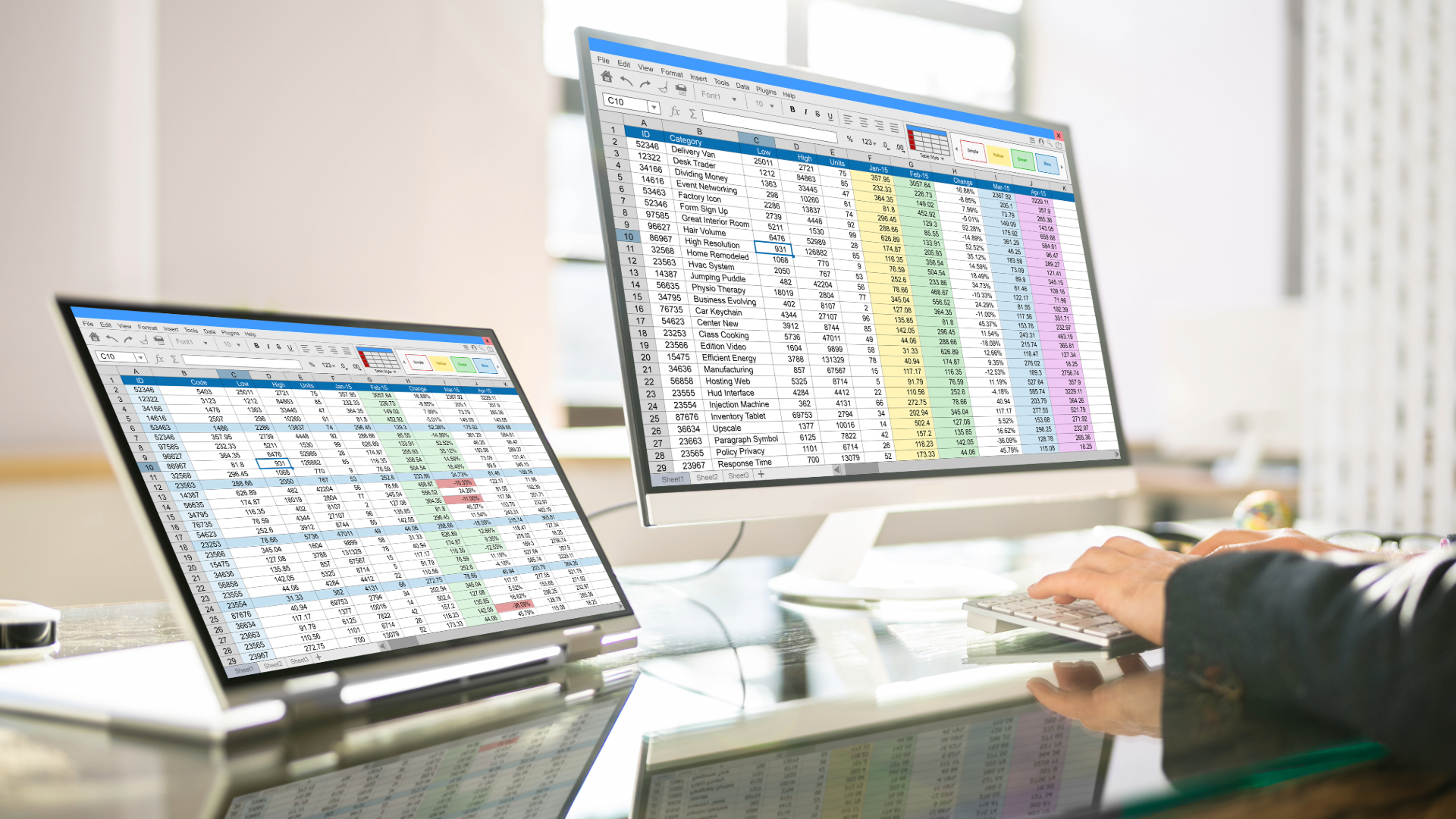
Multiple PCs, including the Microsoft Surface, Lenovo, and HP, have high-end versions with writable surfaces and detachable monitors that offer a significant bang for computing bucks. A student also might explore the possibility of purchasing a 2-in-1 laptop that has a 15-inch screen or adding a portable monitor to their computing list. Before moving ahead on a supplemental monitor purchase, check and see if libraries and departments have external large screen conference monitors that the student can use

Text
Text
Text
© CONTENT, DESIGN & IMAGES BY MELISSA NAGY DEEGAN. ADDITIONAL IMAGES: ADOBE STOCK, MICROSOFT & SOURCE WEBSITES.
RESEARCH | CONTENT

| SUBJECT-MATTER INTERVIEWING |
| Website, blogs & e-news content |
| Editorial calendar development |
| Social media content & MANAGEMENT |
| Census & demographic data research |
| Economic & financial data research |
| FOIA research & inquiry |
DESIGN | DATA
| Bar, fever, pie, column & line charts |
| Data analysis & Pivot Tables |
| TIMELINES, FLOW CHARTS & MAPPING |
| POWERPOINT PRESENTATIONS |
| BRANDING, CORPORATE IDENTITY & SIGNS |
| NEWSLETTERS, PUBLICATIONS & REPORTS |
EDUCATION | CAREER

| College admission research & spreadsheets |
| Common Data Set (CDS) research |
| HOUSING, TRANSIT & MERIT AID RESEARCH |
| College essay & scholarship coaching |
| Internship & early career search |
| Vocational & trade apprenticeship search |
| JUNIOR HIGH | HIGH SCHOOL GRAMMAR & ESSAYS |
PORTFOLIO | PROPOSALS

Due to copyright restrictions and the range of available portfolio samples, please share your communications needs via the inquiry form for portfolio access. We are happy to share samples, ideas, and offer a one-page project proposal.
MEETINGS

We meet with prospective clients in the western suburbs of Chicago, the Loop, and throughout the Chicago metropolitan area. For remote meetings with national and international clients who reside outside the Chicago area, we can utilize Teams, Discord, and Zoom for screen sharing.

Thank you for your interest. Affordable and approachable ideas make great storytelling accessible. Please submit your contact information and a brief description of your needs using the contact form on the About page. Use this form to receive a one-page project proposal and request access to spreadsheet templates for college & early career services. Portfolio access is also granted via the contact form.